
Design Resources and Templates
All the following design elements have been approved by the Marketing Office and the Office of Instruction. Their purpose is to facilitate the design, look and feel of your department's printed material. They also serve to unify the Cañada College brand across all departments, while still allowing users some freedom to "design within the lines". Please always refer to the Cañada College Style Guide when in doubt about how to place a logo, what typography to use, or which colors are genuine.
Logos
To use in Word or other Microsoft Office documents, download the (PNG) format files. To use a page-layout program such as InDesign or Illustrator, download the (EPS) format file.
Primary Logo Files
These are the official versions of the Cañada College logo for downloading and use on official college communications by the campus community. Please contact the Marketing Office for any special logo needs.
Header, Footer, Email Signature
Place a header and/or footer if needed. Footers with important information and a call to action are always preferred in any design. The following Headers and Footers can be used on any design template (Word, InDesign, Publisher, Illustrator, FrontPage, etc) to easily maintain our brand on printed materials. They are provided to you in ".png" format, which is ready to include in your design with a "Clear/transparent" background.
For print ease, please try to design in the following sizes:
- 8.5 x11 inches
- 11 x17 inches
- 18 x 24 inches
- 24 x 36 inches


ADA Footer
An American with Disabilities Act (ADA) Footer must be included in any print or digital event poster/fliers that will be distributed to employees, students and the community. Please see the Student Life website to download and include the approved ADA footer signature.
Zoom Backgrounds

Cañada College

Black Lives Matter

Black History Month (February)

Women’s History Month (March)

Arab American Heritage Month (April)

AAPI Heritage Month (May)

Commencement (May)

LGBTQ+ Pride Month (June)

Latinx Heritage Month
(Sept 15 – Oct 15)
Email Signature
The standard template College email signature can be download as a docx file:

Letterhead Stationery
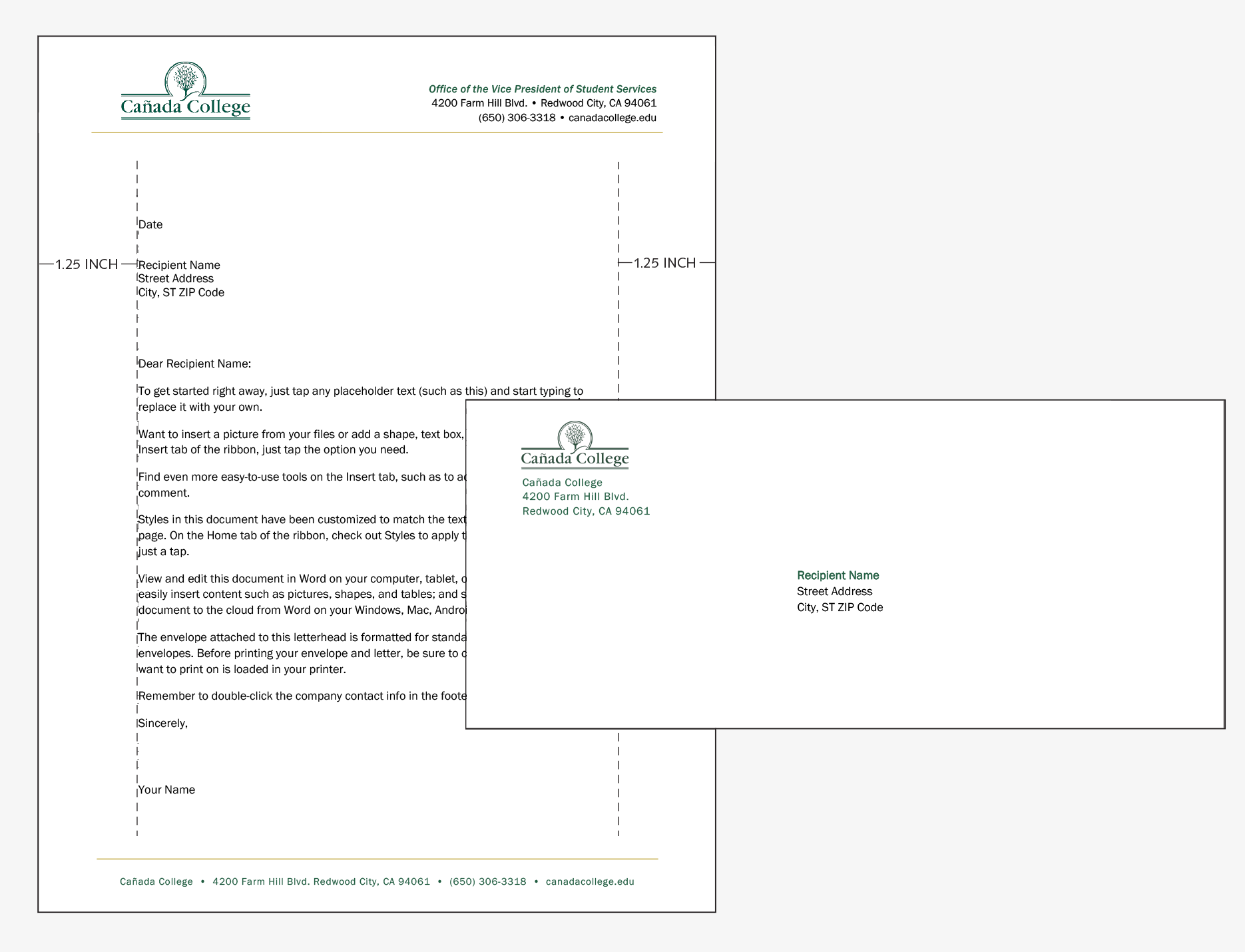
Align the letter and address as shown below and optically center the address side-to-side on the envelope.
Business Cards
Cañada College employees can now order business cards through StaplesAdvantage.com. For questions on print, please contact canmarketing@smccd.edu. Currently, account set-ups are only available to procurement cardholders. Please submit orders through your Division Assistant.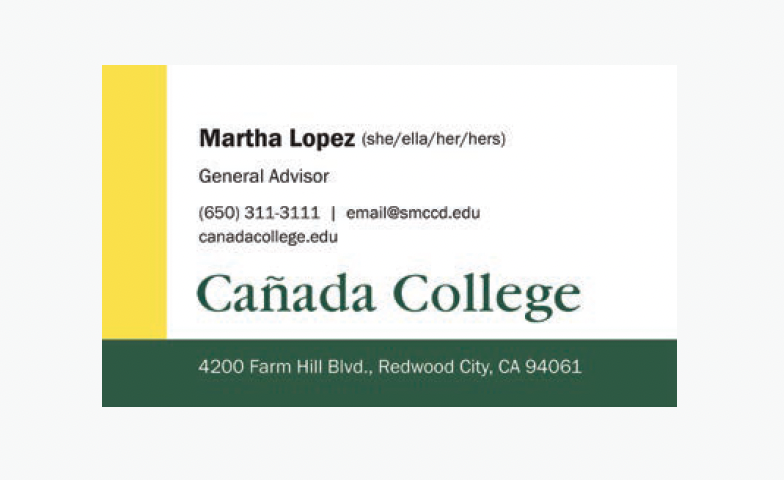
Maps
To use in Word or other Microsoft Office documents, download the (jpg) format files.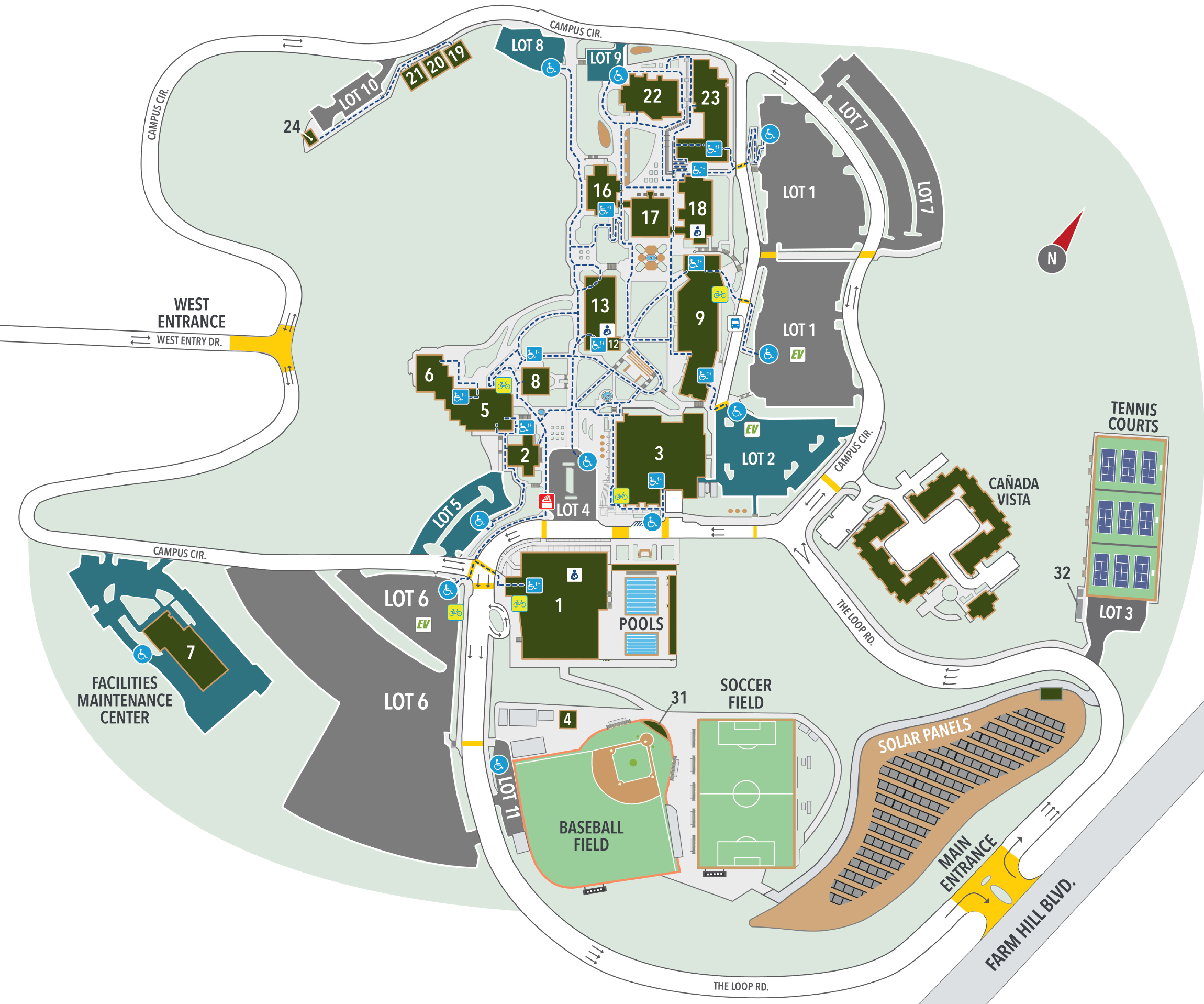
Design Templates for Posters/Fliers
To create your material, you can use one of the headers/footers in the above section, or use a more custom template with design elements. Both of these options are designed to save you time! Feel free to use "as-is", or edit with our approved color palette and branding. Please note, some basic knowledge in Adobe InDesign and Microsoft PowerPoint is required.
Adobe InDesign Templates
The files below can be edited and modified within Adobe InDesign.
PowerPoint Templates
The files below can be edited and modified within Microsoft PowerPoint.
Design Template for Tri-Fold Brochure
A tri-fold brochure made with an 8.5"x11" sheet can still be very impactful, while remaining economical. We recommend always designing with a .125" bleed and printing with vendors who print to the "bleed" or "edge" of the paper.
This InDesign Template can help get you started when designing a tri-fold brochure. The template is already divided into panels and has your columns set up already. Please note that the file has been compressed into a ".zip" file. Once the file has been downloaded, double-click the ".zip" file for the uncompressed InDesign file.
Presentation Template for PowerPoint
Please feel free to adapt and use this PowerPoint presentation that has our Cañada College Footer included.